
I’m attempting to install XCP-ng on a Radxa X2L single board computer (SBC) for home lab purposes and to learn XCP-ng without breaking my existing servers.
I was getting this error:
"base installation repository not found"
I did a little searching an of course the AI slop spit out answer that didn’t apply to me, so here I am fixing the algorithm for them manually.
According to google, those are the common reasons for that error. I found it was actually the date and time configured for 2017 that was the issue. Once changing the date to today, the error went away.
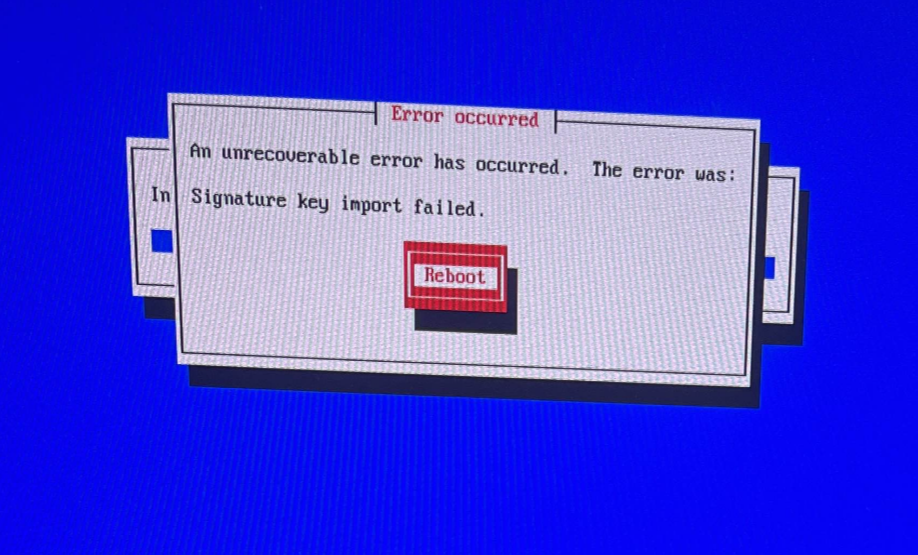
I also got errors saying:
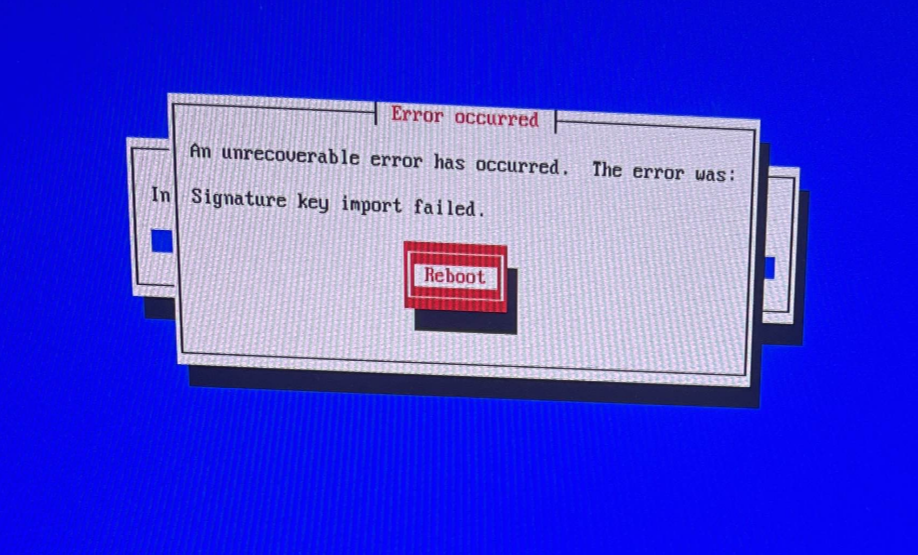
"An unrecoverable error has occurred. The error was:
Signature key import failed."
I went into the bios and disabled some sleep state options since it’s going to be a server, and set the date and time correctly, and it no longer gave me the error.